
Melde dich für den Kameleoon Newsletter an
Describe what you want to fix or build. AI will generate and launch your change instantly and let you test it on your real users.
Mauris sed arcu cras nisl scelerisque

Lorem Ipsum
Aliquet aenean viverra sagittis ornare mi sem mattis id sed.
Lorem Ipsum
Aliquet aenean viverra sagittis ornare mi sem mattis id sed.
Lorem Ipsum
Aliquet aenean viverra sagittis ornare mi sem mattis id sed.
Experiment quickly and confidently

Ask AI to identify ideas worth testing

Build tests in minutes by chatting with AI

Allocate traffic to your variations

Make confident decisions with accurate data
Release with speed and confidence using AI
Use Prompt-based Experimentation to rapidly speed up creation of new variants to collect more data from your customers, faster.
Build working, on-brand prototypes in minutes, even from a non-technical team.
Ideate, build, and deploy tests, all directly from the Kameleoon platform.
Run more experiments per month to collect greater user insights and constantly improve your platform.
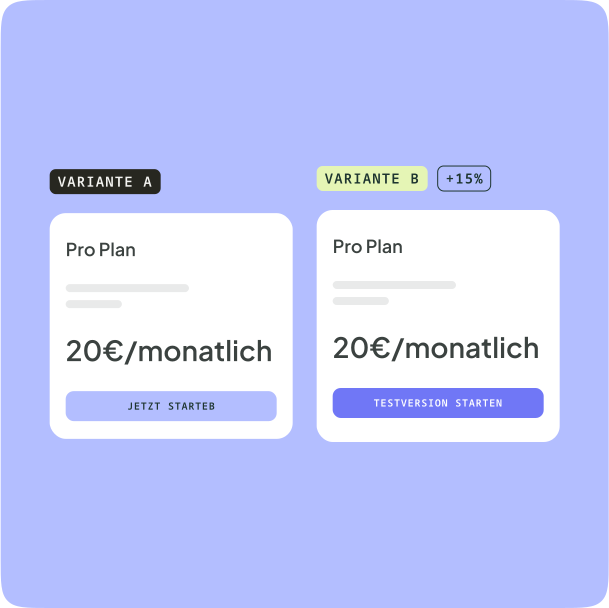
Use AI to adapt quickly to subscriber feedback
Use Prompt-based Experimentation to run more experiments faster based on feedback from your subscribers without needing to wait for development cycles.
Ideate, build, and deploy experiments directly to your live platform by chatting with AI.
Adapt to subscriber feedback by quickly building variants to explore solutions to immediate customer feedback.
Deploy quick, efficient, on-brand experiments designed by non-technical teams
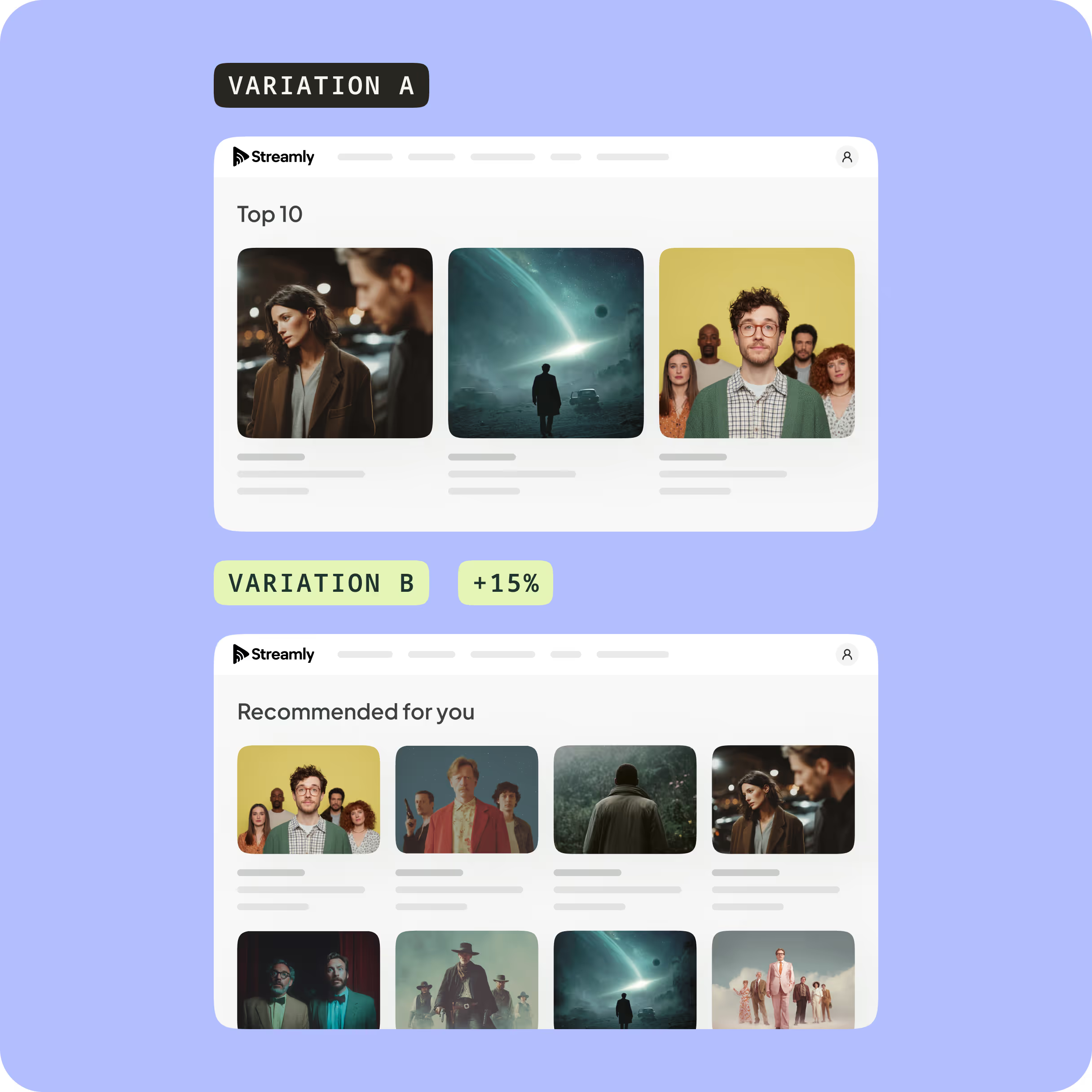
Experiment quickly on live vehicle pages
Ship fast tests on live vehicle pages using Prompt-based Experimentation. Describe changes you want to explore using natural language to build test-ready variants.
Rework vehicle pages to find what works best: swap hero images, try new copy, or inject localized OEM incentives without waiting for design sprints.
Run lead form changes and assess results ahead of promotional campaigns to maximize ROI.
Connect prompt-based experiments with personalized segments to build quick incentives for high-potential users.

Users love Prompt-Based Experimentation
“Such an amazing tool”

Providence
“Massive time saver”

VeryChic
“Working with it is great!”

Cona
Explore what participants are optimizing with PBX
Explore what your peers are building with PBX
.avif)
Optimizing PLP for Boulanger
Optimizing PLP for Boulanger
by
Clément R
Informations on the page are too important ; I believe people first look for a brand, a price, and then technology. The "add to cart" button is irrelevant for such expensive products. With this prompt, you can see easily more products, and all informations are still available in a click.

.avif)
Adding quick add to card on specific products of L'Atelier d'Amaya PLP
Adding quick add to card on specific products of L'Atelier d'Amaya PLP
by
Typhaine Pesce
The objective was to increase add-to-cart actions by enabling quick add for products that do not require option selection on PLP. The key challenge was accurately identifying eligible products to avoid unwanted PDP redirections and error messages.
.avif)
Clarifying which shows are included in the ticket on PLP for Puy du Fou
Clarifying which shows are included in the ticket on PLP for Puy du Fou
by
Tom DEGERT
This test was implemented in under an hour. Something that would have taken significantly more time and budget with an external agency. Its goal was to clearly communicate which shows are included in the park admission ticket, information that was previously not obvious to visitors. To address this, an “Included” tag was added to eligible shows on the shows listing page, helping visitors quickly identify what was covered by their ticket and reducing uncertainty during the planning phase.
.avif)
Eliminating back-and-forth navigation to improve UX on Samsung ProShop
Eliminating back-and-forth navigation to improve UX on Samsung ProShop
by
Alban Coudray
The product details were available on a previous page, and the back-and-forth navigation between the two pages was frustrating for users. We therefore decided to reuse the H2 headings and descriptions from the Product Presentation page directly on the Product page, and to add an anchor link that redirects users to the relevant content when they click on “See more”.
.avif)
Reducing Bounce from Google Shopping Traffic on Maison Margiela
Reducing Bounce from Google Shopping Traffic on Maison Margiela
by
Amaury.O
I was inspired by the need to capture and retain high-intent traffic from Google Shopping and paid ads, where users are typically in a fast-paced comparison phase and highly likely to bounce back to search results. Knowing that every bounce represents both a lost opportunity and wasted ad spend, I designed a compact, horizontal recommendation bar to act as a strategic safety net.
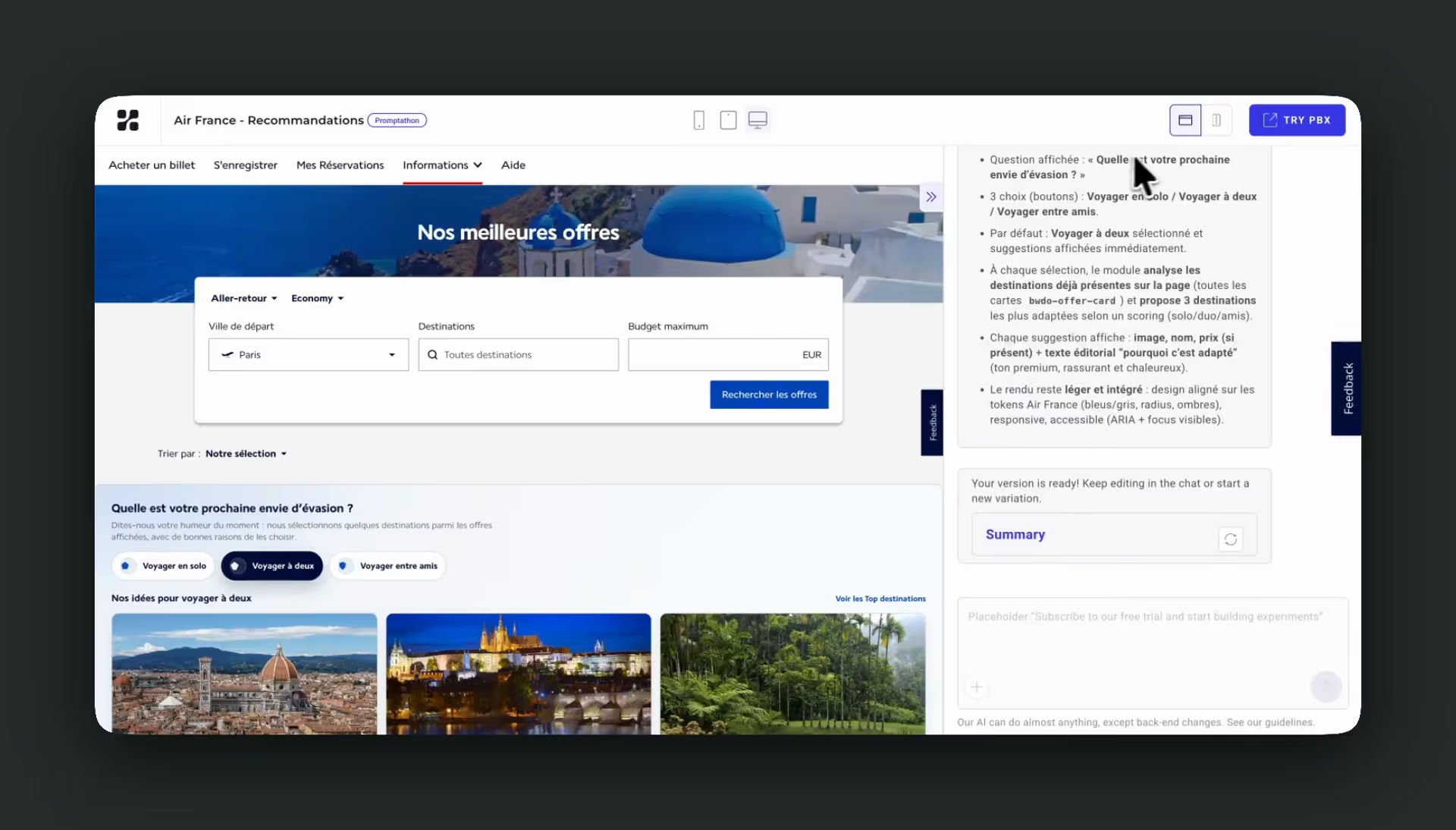
Adding personalized destination suggestions on Air France
Adding personalized destination suggestions on Air France
by
Léo Denis
Users are not always sure where they want to travel when visiting the Air France website. By suggesting destinations based on different travel contexts, this concept helps personalize the experience and guide users toward relevant travel ideas.

FAQ
Du kannst PBX nach Optimierungsideen fragen und dann selbst entscheiden, welche du umsetzen möchtest – oder dir einfach neue Vorschläge geben lassen. Je konkreter du dein Ziel formulierst, desto besser werden die Ideen, die PBX für dich entwickelt.
Prompt-Based Experimentation reduziert den Bedarf an Entwickler:innen bei einzelnen Tests erheblich – aber sie bleiben weiterhin zentrale Partner, wenn es um Qualität, Skalierbarkeit und die Integration über Teams hinweg geht. Durch den Einsatz von Prompts kannst du Tests schneller umsetzen – ohne auf jedes Mal technische Unterstützung angewiesen zu sein. Für nachhaltige Qualität und eine nahtlose Einbettung in bestehende Systeme und Prozesse sind Entwickler:innen jedoch nach wie vor unverzichtbar.
Nein. Vibe Experimentation geht weit über klassische visuelle Editoren hinaus. Experimente werden per natürlicher Sprache erstellt, konfiguriert und analysiert – für leistungsfähigeres und zugänglicheres Frontend-Testing.
Ähnlich wie Vibe Coding die sofortige Erstellung von Web-Prototypen per AI-Chat ermöglicht, erlaubt PBX die Entwicklung neuer und optimierter Web-Experiences direkt auf bestehenden Websites. Diese Varianten werden anschließend mit realen Nutzer:innen unter realen Bedingungen getestet. Der kombinierte Prozess aus Erstellung und Testing per AI wird als Vibe Experimentation bezeichnet.
Jedes Mal, wenn du einen Prompt verwendest, wird ein Credit verbraucht. Deine kostenlose Testphase enthält genügend Credits, um alle wichtigen Funktionen auszuprobieren. Wenn du einen Promo-Code für zusätzliche Credits hast, kannst du ihn auf der Seite „Organization“ in deinem Account eingeben. Im Durchschnitt benötigen unsere User etwa drei Credits, um ein Experiment zu erstellen. Bei Fragen kannst du dich jederzeit an [email protected] wenden.
Prompt-Based Experimentation (PBX) ist Kameleoons Ansatz für Vibe Experimentation – ein neuer Weg, um Experimente zu entwickeln, zu konfigurieren und zu starten. Mit PBX beschreibst du einfach in natürlicher Sprache, welche Änderungen du auf deiner Website testen möchtest. Die KI erstellt daraufhin automatisch eine Variante und startet das Experiment – ganz ohne Code oder WYSIWYG-Editor.
Ja! Dank der Integrationen von Kameleoon kannst du Prompt-Based Experiments personalisieren und gezielt ausspielen – basierend auf Daten aus deiner Customer Data Platform oder deinem bevorzugten Data Warehouse. Zum Beispiel kannst du Kameleoon mit deiner CDP verbinden und Segmente auf Basis des Abonnement-Levels deiner Kund:innen erstellen. So wird es ganz einfach, Tests nur bei bestimmten Nutzergruppen auszuliefern – direkt über deinen Prompt.
Ja – aber nur mit den richtigen Rahmenbedingungen. Prompt-Based Experimentation kann statistisch fundierte Ergebnisse liefern, wenn du es mit Sorgfalt einsetzt: Dazu gehören valide KPIs, korrekt aufgeteilte Traffic-Segmente, sauberes Targeting und robuste statistische Methoden. Nur so lassen sich aus deinen Tests auch wirklich aussagekräftige und belastbare Erkenntnisse ableiten.
Noch nicht. Da Prompt-Based Experimentation auf sich schnell weiterentwickelnden GenAI-Modellen basiert, wächst seine Leistungsfähigkeit täglich. Es handelt sich um eine völlig neue Art, mit einer Experimentierplattform zu interagieren – und diese entwickelt sich stetig weiter. Du profitierst von einem Ansatz, der heute schon viel kann – und morgen noch mehr.
Nein. Prompt-Based Experimentation erstellt testbereite Varianten von digitalen Erlebnissen – einfach durch den Dialog mit einer KI. Es ersetzt weder Design- noch Content-Management-Systeme, sondern ergänzt sie. Design und Content werden weiterhin dort gepflegt, wo sie hingehören – Prompt-Based Experimentation sorgt dafür, dass du sie schnell, gezielt und datengestützt testen kannst.
Nein. Prompt-Based Experimentation konzentriert sich auf digitale Frontend-Erlebnisse – also auf die Optimierung von UI, UX und Messaging. Es ergänzt andere Methoden wie Feature Flagging, serverseitiges Testen oder Mobile App Experimentation – ersetzt sie jedoch nicht.
Nein. Prompt-basiertes Testen verwandelt einen Prompt in ein testbares digitales Erlebnis. „Prompts testen“ bedeutet hingegen, die Prompts selbst zu optimieren – meist im Rahmen von Backend- oder serverseitigen Experimenten. Beim Prompt-Testing geht es also nicht darum, den Prompt zu verbessern, sondern darum, mit einem Prompt ein konkretes Frontend-Experiment zu starten.
