Kameleoon’s new simulation panel for modern experimentation

Fred De Todaro
Published on
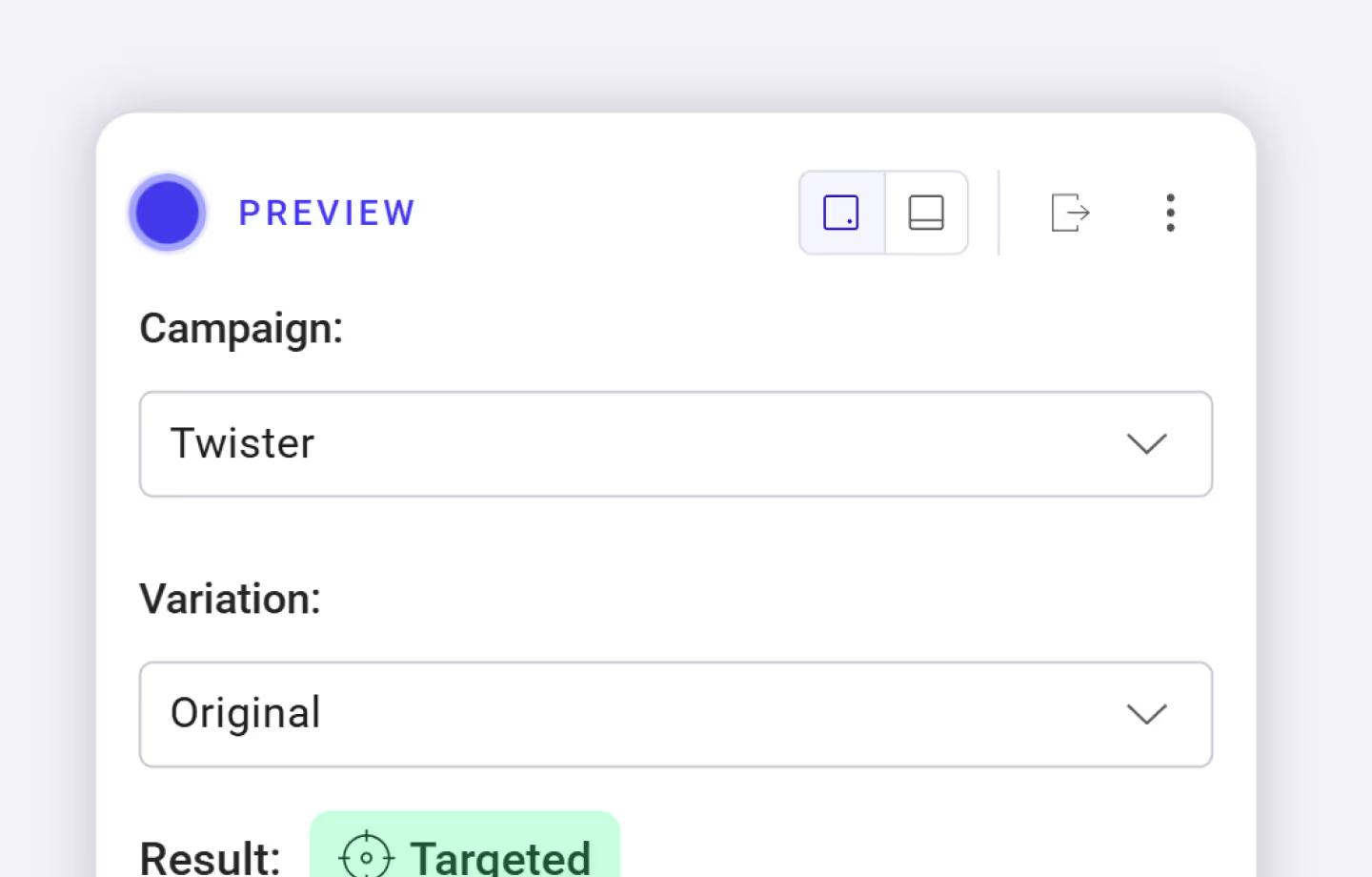
Before launching any kind of experiment, simulating the user experience is a critical step. From complex feature experimentation to straightforward page variants, you should always preview, debug, and validate the entire scope of your experiment, including its display, targeting, and goals.
That’s why we’ve rebuilt our simulation panel from the ground up. Kameleoon now offers a faster, more robust way for front-end developers, experimentation managers, and CRO teams to test their setups before launch.
What’s new in the simulation panel
The new simulation panel features:
- Full support for triggers, segments, and feature experiments, allowing you to simulate complex logic like custom data conditions, audience segments, and feature flag exposure. Have confidence that your experiment is being shown to the right audience at the right time.
- Floating view, allowing you to easily resize and move your panel.
- QR code to swiftly open up the panel to simulate your experiments on mobile devices.
- Optimizations for faster loading, ensuring quicker access to all functionality.
- A clean overlay that allows you to simulate experiments without any site code conflicts, even on highly dynamic or heavily-styled pages, thanks to ShadowDOM isolation.

Want to see the new simulation panel in action? Check out our Feature in Focus video below and experience a better way to simulate experiments with Kameleoon.
Antworten, Ideen und Insights an einem Ort

.jpg)


before ai
