Configure your feature flags and launch your releases using next-level multi-environment management capabilities

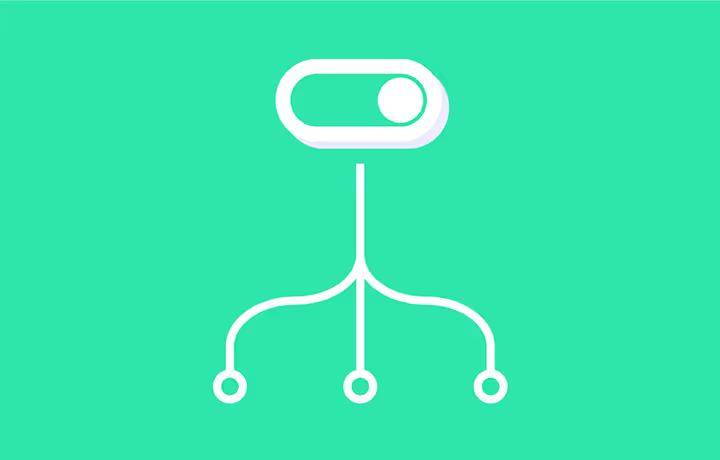
Feature flags are a great way to get a better control over your campaign’s go-live moments. They enable you to turn features on or off in different experiments without coding. But the delivery process of new features is not just about going live. Making a release successful requires thorough preparation and sometimes complex testing scenarios.
Currently, when activating a feature flag from Kameleoon, the flag configuration (i.e. targeting, variables and goals) is applied equally to all of the environments where the flag has been deployed, whether in the development, staging or production environment.
Kameleoon’s new multi-environment feature flag capability now allows teams to release features in one or a combination of environments.
Users can now expose different segments to a feature in different environments and develop advanced testing scenarios that require varied configurations in multiple environments.
Multi-environment management feature flagging capabilities
Have a different configuration per environment type. We built an improved feature flag edition page, so that you can define specific flag configuration for 3 pre-defined environment types: development, staging and production.
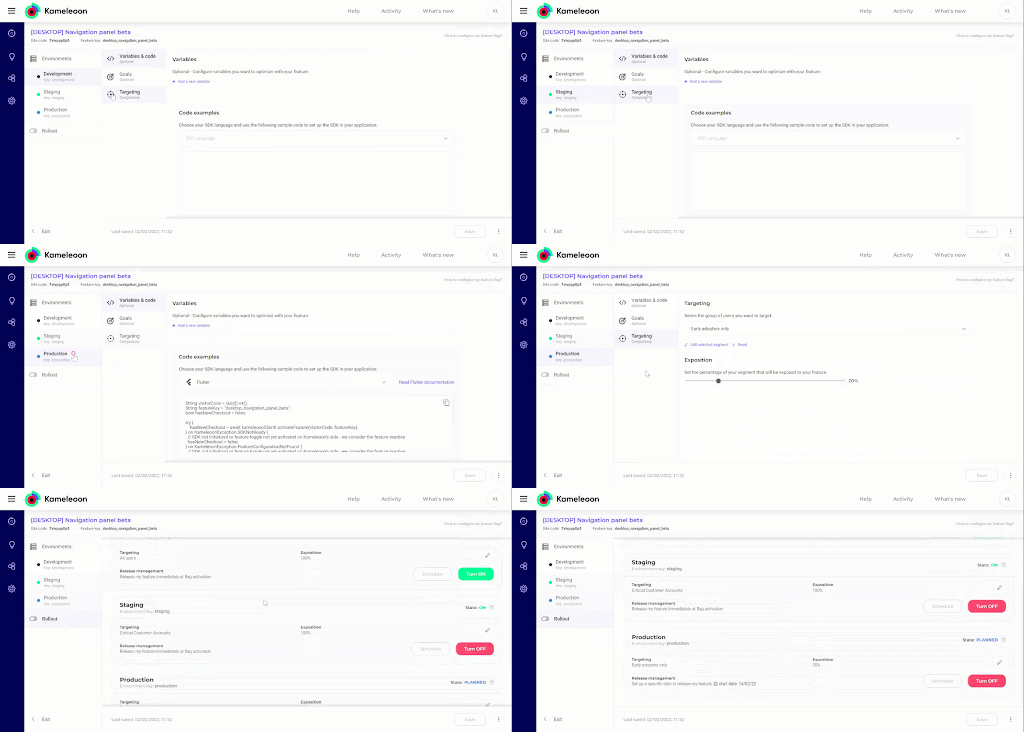
For each environment type, you will now be able to configure dedicated variables, goals and targeting directly from the newly redesigned feature flag edit page.
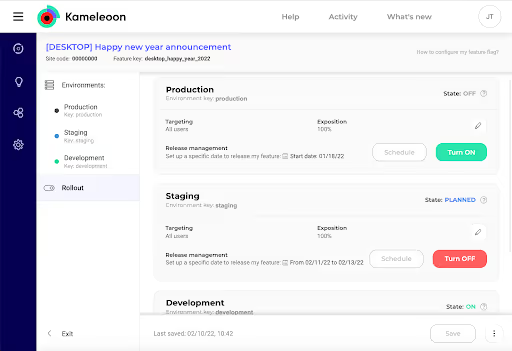
Plan and manage your delivery strategy for each feature with a “rollout” interface. We’ve created a new flag configuration overview, so you can see the full configuration for each environment type.

In the feature flag edition page, the “Rollout” tab gives you an overview of the flag state and configuration for each environment type.
Monitor your flags based on each environment type. An adapted feature flagging dashboard view allows users to filter flags by environment.
Use the “Environment” filter to display your flags based on the type of environment.
Ready to get started? See this step-by-step guide and technical documentation.
Request a demo to see this feature and the Kameleoon platform in action.
Questions? Curious? We'd love to hear from you. Please reach us at [email protected]
,