Take an experiment from first idea to full rollout in your AI assistant

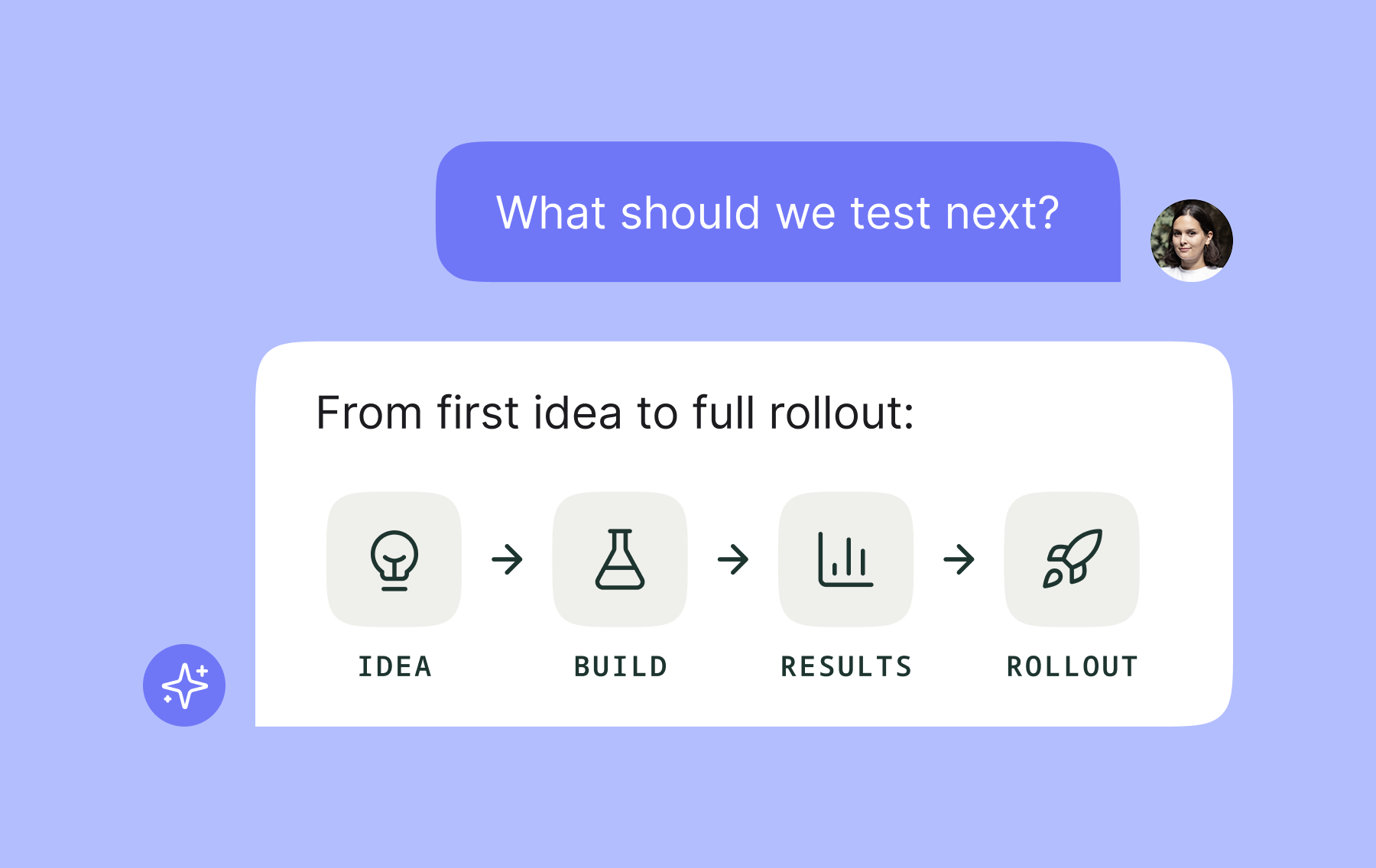
The new Kameleoon MCP tools put your ideas, results and rollouts in one conversation, right where your existing workflows are. Ask your AI assistant what to test next, whether a result is real, and what's ready to roll out.
The Model Context Protocol (MCP) lets AI agents connect to external workflows like Kameleoon. You can leverage Kameleoon directly via AI chat assistants with the help of our Claude connector or ChatGPT plugin.
You ask in plain language, and your AI assistant works with your Kameleoon account.
Kameleoon's MCP server just added both new and upgraded tools. Let’s dive into what actions you can take using these tools.
What you can now do directly from your AI assistant
With the new tools, you can:
- Find ideas and past learnings recorded in Kameleoon.
- Build and edit experiments, including variations and traffic splits.
- Check if a result can be trusted based on built-in health checks.
- Follow your goals and see which variations moved them.
- Add or remove an integration from an experiment
- Create segments or triggers using custom data
Together, these changes cover an experiment from first idea to full rollout.
Start from what you've already learned
Planning your next test? Ask your AI assistant: "What experiment ideas do we have for our home page?"
Your AI assistant reads the ideas from PBX Ideate, part of Kameleoon's Prompt-Based Experimentation (PBX) solution, and returns the top three ideas, ranked. The first idea looks promising.
But before you build it, you ask, "Have we tested something similar before, and if so, what did we learn?". Your AI assistant searches your organization’s takeaways that Kameleoon recorded from your past tests and reports back on what it found.
From only two questions, you now know what to test next and what past test results already say about it.
From there, ask your AI assistant to turn the best idea into a draft A/B test, with one variation per proposed change. It stays as a draft until you review and launch it.
Work in your AI assistant, collaborate in Kameleoon
Draft a test using Claude or ChatGPT, then have a colleague review it in Kameleoon: you’re working on the same experiment. Your team can pick up the draft created through your AI assistant and continue working on it in the platform. You can also ask your assistant to share learnings in a connected tool such as Slack, making them accessible to the team members who need them.
You decide what goes live
Moving faster only pays off if you can trust what runs on your site. A poorly set up test can distort results or waste traffic, so checkpoints are built in:
- Changes affecting live tests need your approval. Editing a segment that is used in active campaigns shows an impact preview first.
- New variations to running experiments start safely. A variation added to a running experiment starts at 0% traffic.
- Ideas start as drafts. An experiment built from an idea stays a draft until you launch it.
Your AI assistant handles the setup and the checks. You decide what goes live on your site.
Create your next test with Claude or ChatGPT
A good first step is small: ask for your next test ideas, then ask what your past tests already tell you about them. It’s another step toward our vision of Agentic Experimentation, where AI carries more of the work and your team keeps the decisions.
{{cta-block}}


Ready to try it? Learn more about connecting Kameleoon to your AI assistant or request a demo with our team to learn more about the platform.
Ready to try it? Learn more about connecting Kameleoon to your AI assistant or request a demo with our team to learn more about the platform.