Master prompts align PBX variations across teams

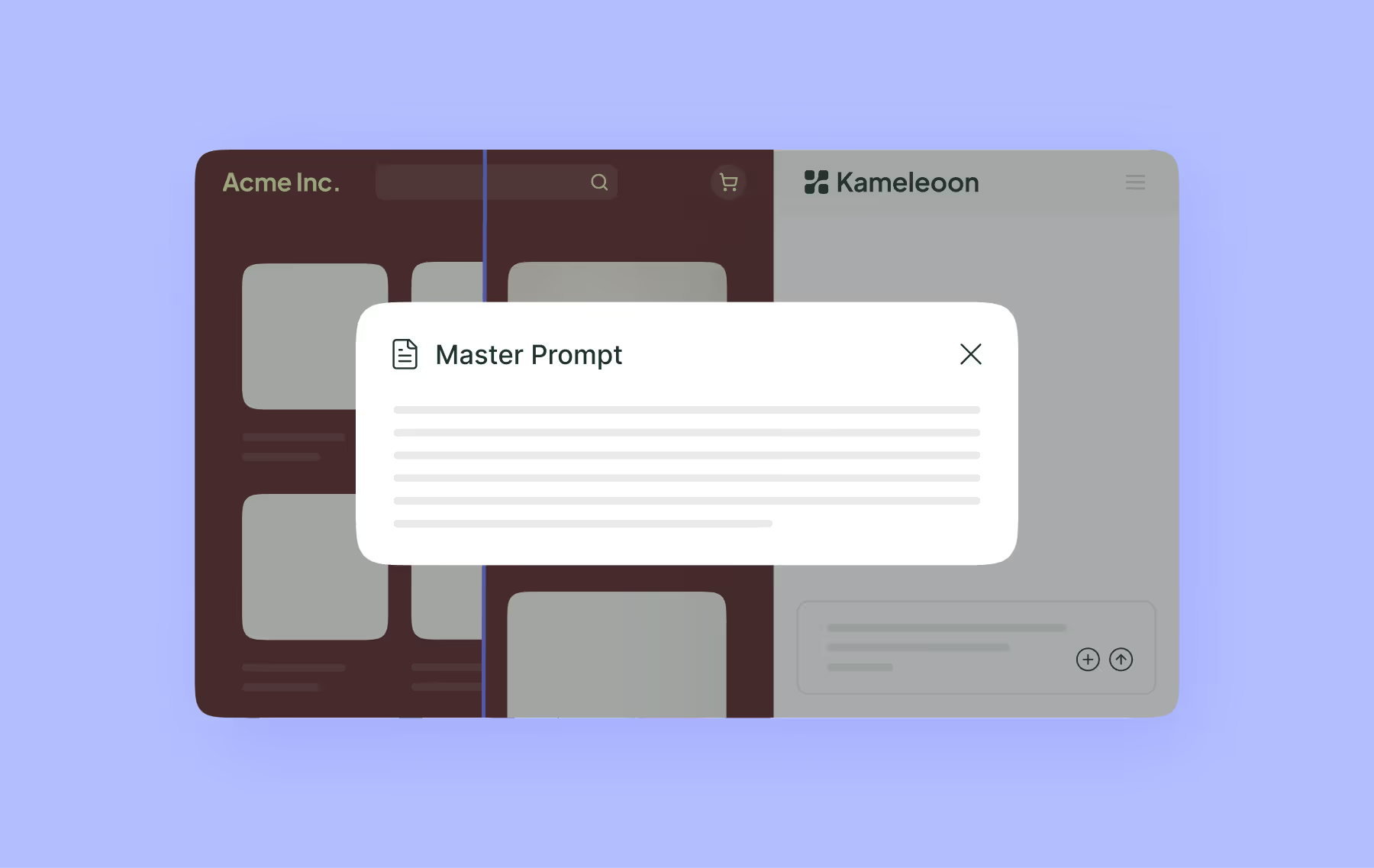
Prompt-based Experimentation (PBX) is a powerful way to quickly generate test variants, but having to include brand guidelines and technical constraints in every prompt is slowing testers down.
That’s why we introduced master prompts, allowing organizations to define project-level instructions for PBX so that every experiment is built according to a common set of rules.
Consistent experiment quality at scale
PBX allows experimenters to build variations at speed, and it’s only getting faster.
However, with improved speed comes the need for stronger rigor. Teams need to prompt precisely and carefully and make sure their variations aren’t inadvertently breaking established brand guidelines, technical constraints, or established experimentation standards.
Master prompting makes this quality control much easier, allowing you to write a single prompt to apply across every PBX variant in a project. This project-level instruction can include brand guidelines, accessibility notes, technical constraints, and engineering standards.
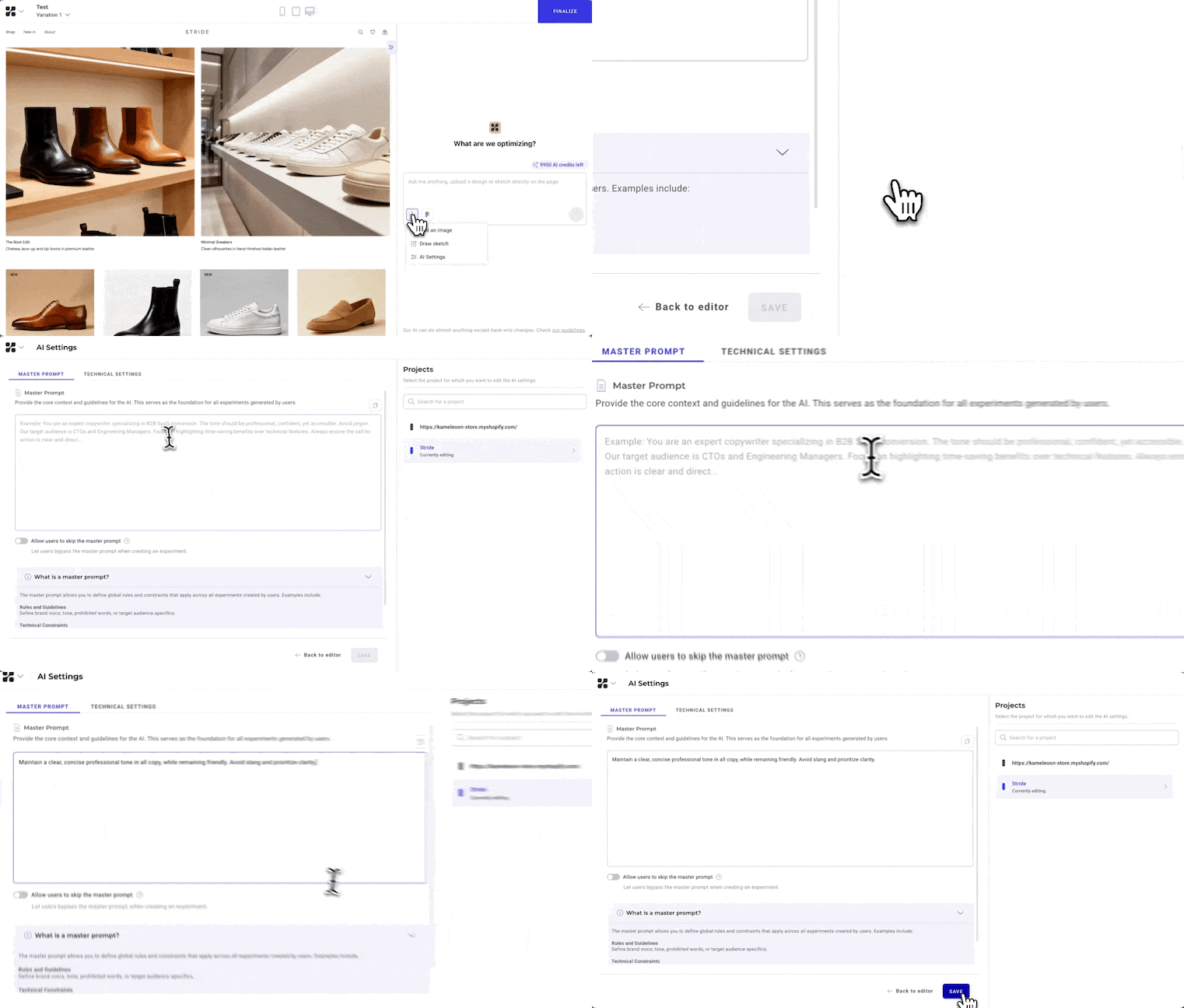
Without master prompts, these notes need to be included in each prompt to ensure individual variations remain consistent. Including these guidelines in a master prompt speeds up the creation of experiments, reduces error risk, and improves operational efficiency across teams.
This also means that engineering and design teams can sign off on master prompts, knowing they can trust the code, constraints, and design rules. This leads to easier internal buy-in and improved speed and trust.
Centralized governance
Project admins can use master prompts to define and manage a single source of truth for AI instructions, choosing between strict enforcement (always on) or controlled flexibility (users can disable if needed).
For users writing PBX prompts, no additional steps are needed; the UI will indicate what master prompt is employed and they can get right to describing changes without filling in repeat information.
Master prompts are available today in PBX. Project admins can go to AI Settings and select AI Instructions to set master prompts for projects.
To learn more about master prompts, you can reach out to us at [email protected].
.jpg)

