Approval workflows: Bringing control and collaboration to feature management and experimentation

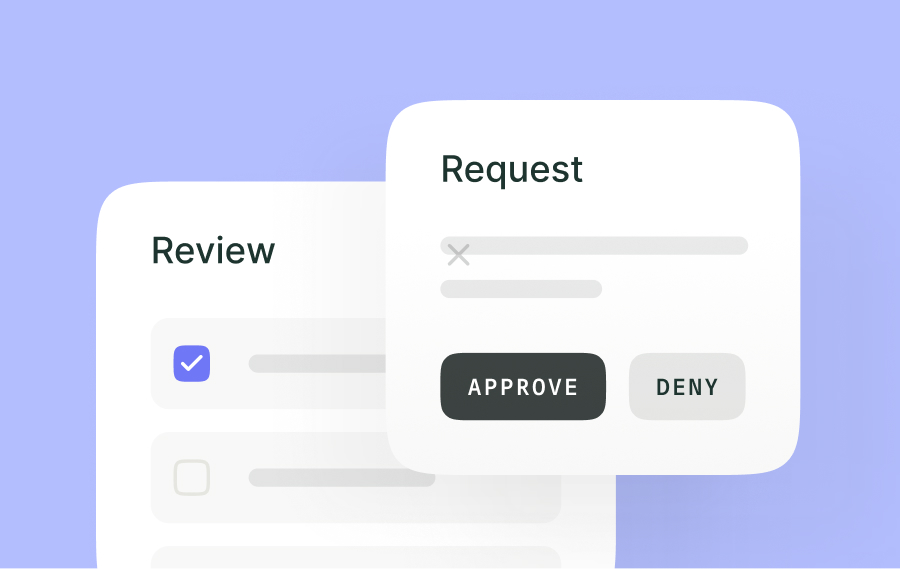
Our newest release, Approval workflows, ensures every feature change is reviewed, preventing miscommunications and mitigating risk. Teams gain better control, collaboration, and confidence in rollouts.
Why governance in feature management matters
Teams are constantly trying to push the pace when it comes to experimentation and feature rollouts—but rushing features can be dangerous. Imagine a healthcare company releasing an unapproved feature update that compromises sensitive patient data or a finance team deploying a feature that disrupts critical payment workflows.
These scenarios underscore the crucial nature of governance in feature management.
Approval workflows
Approval workflows address these challenges by introducing an organized, multi-step process that ensures every change is reviewed. For example, a distributed team may struggle with tracking feature flag modifications across projects. Approval workflows provide a centralized system where all changes are recorded, reviewed, and approved in one place, ensuring transparency and avoiding oversight.
How it works
Setting up approval workflows
Approval workflows allow admins to define who reviews feature flag changes, providing flexibility based on the team’s structure. Certain actions, such as toggling flags, updating environment settings, and configuring integrations, do not require approval. This ensures day-to-day operations are not slowed by unnecessary restrictions, while critical changes remain tightly controlled.
- Navigate to Approval Settings in the dashboard by clicking the cog icon.
- Select the project where approval workflows will be enabled.
- Define reviewer settings, choosing whether approvals can be made by any user, specific users, or assigned roles.
Once configured, the approval process becomes active for all subsequent changes in that project.
Submitting a request
When a non-reviewer makes a change, they are prompted to submit an approval request. Requests can also bundle multiple changes across different environments or settings, streamlining submissions for more complex updates. The dashboard provides a status update on all submitted changes.
For example, a developer implementing a new feature can include a note explaining the change’s purpose and expected outcomes, enabling approvers to make informed decisions. In Kameleoon, bulk requests are supported, allowing teams to manage multiple changes across environments within a single submission.
Reviewing and approving requests
Approvers receive notifications for new requests and can access detailed information about the proposed changes from the dashboard. Each request progresses through the following states:
- Pending: Waiting for review
- Approved: Changes are implemented immediately
- Rejected: Changes are declined, but requesters can revise and resubmit
- Invalid: Requests overridden by newer changes
Approvers can provide feedback for rejected requests, ensuring a clear path for resolution. Requests are processed sequentially to avoid conflicts or duplicate updates.
Bringing control and efficiency to feature management
By introducing approval workflows, Kameleoon equips teams with the tools they need to manage feature flags confidently. Teams can now deploy changes with confidence, knowing they’ve been reviewed, approved, and documented.
Interested in learning more about approvals or want a step-by-step? Check out our Help Documentation here!