PBX Configure preps and optimizes your tests for launch

PBX 2.0 covers every step of experimentation through five agents: Ideate, Build, Configure, Analyze, and Ship. PBX Configure handles audience, segments, triggers, goals, traffic allocation, and integrations through chat.
The original release of PBX only supported tests until you’d built the variation. After that, the experimenter left PBX and finished setup manually.
PBX 2.0, however, keeps the conversation going through to launch.
Configuration is where tests fail silently
A wrong segment sends the variation to the wrong audience. A wrong trigger fires the test at the wrong moment. A wrong goal makes the data useless once the test ends.
Configuration is the most error-prone step in experimentation, and, historically, the most manual. The skill required to wire up a segment correctly used to limit who on the team could actually launch the test.
PBX Configure removes that limit.
"Target US visitors who've viewed this product page at least twice in the last 7 days but haven't added to cart. Goal is add-to-cart clicks. Send 50% of traffic.”
PBX Configure builds the segment, sets the goal, and applies the traffic split. If something needs clarification, it asks:
"What's the URL pattern for the product page so I can build the segment correctly?"
Once you answer, PBX updates. Once every required step (targeting, triggers, traffic, goals, integrations), the launch button unlocks. This prevents half-configured tests from going live.
The library grows with every test
PBX Configure labels and saves every segment and trigger it creates. If a matching segment already exists in your library, PBX can suggest it for the experimenter to apply in a single click.
If you say:
"Target mobile users from San Francisco who came from Google Adwords and spent at least 1 minute on a product page."
PBX recognizes that “mobile users from San Francisco” is the audience and “spent at least 1 minute on a product page” is when the test should trigger. It builds the segment, creates the trigger, saves both for future use, and asks for anything missing.
Click launch. PBX Analyze takes it from there
Now, your variation is built; the audience is set; the trigger is in; the goal is wired; and the integration is on. All that’s left to do is click launch and the test runs. From here, PBX Analyze reads the results and tells you what happened and what to test next.
PBX 2.0 is an agentic AI system dedicated to the full experimentation cycle.
- Generate impactful test ideas with Ideate
- Create any web variation with Build
- Prep for launch with Configure
- Assess results with Analyze
- Push winning tests live with Ship
{{cta-block}}
.jpg)
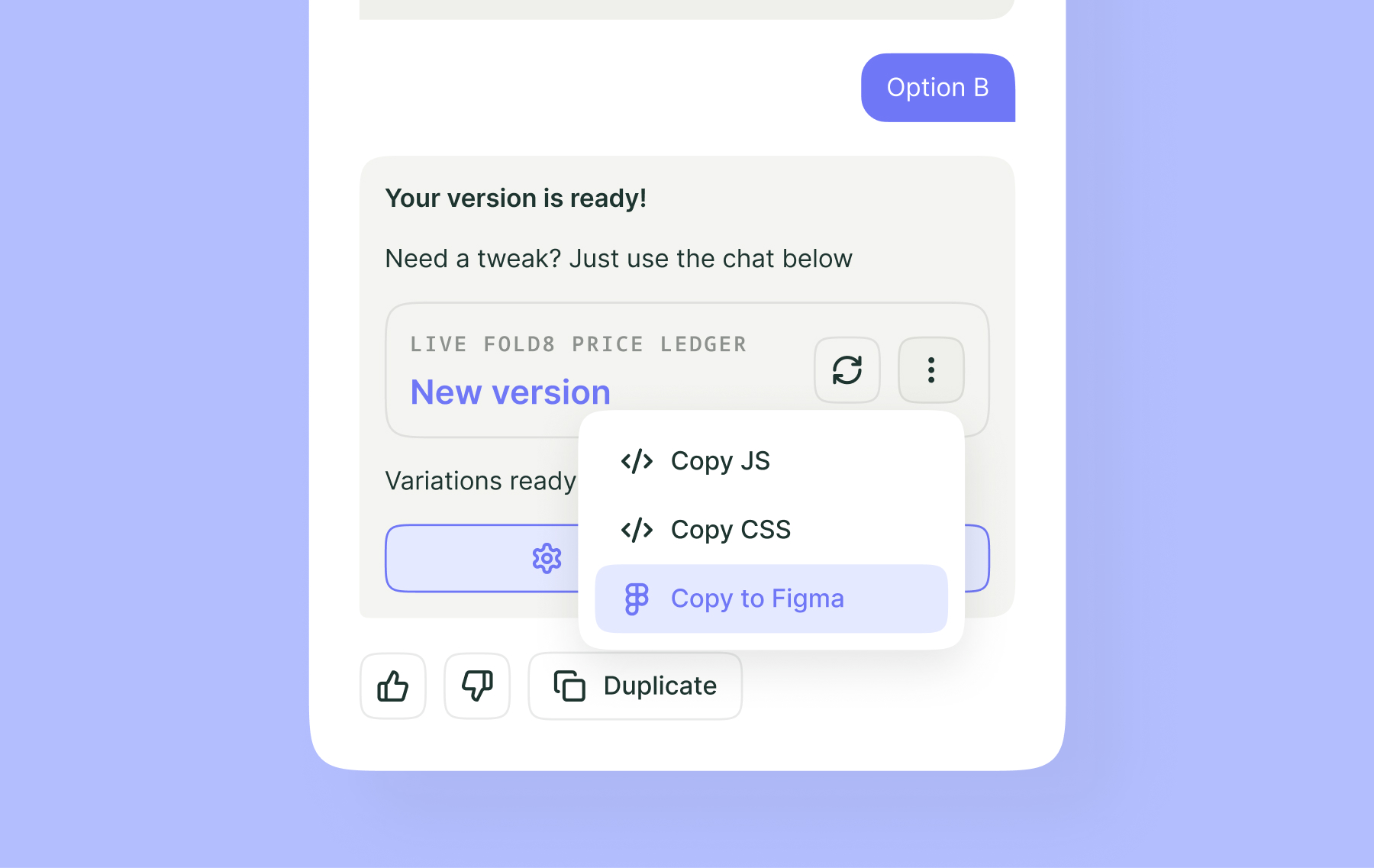


Discover PBX 2.0 in action. PBX 2.0 covers every step of the experimentation cycle thanks to 5 AI agents: Ideate, Build, Configure, Analyze, and Ship.
Discover PBX 2.0 in action. PBX 2.0 covers every step of the experimentation cycle thanks to 5 AI agents: Ideate, Build, Configure, Analyze, and Ship.
.png)
