A developer’s guide to prompt-based experimentation


Developers who want to build complex, exciting systems are often waylaid by UI edits, microcopy, and similar “small” changes. Adopting prompt-based experimentation, or PBX, allows them to move these low-value tasks out of their backlogs and into safe, guided workflows that marketing and design teams can own.
It does this by building usable, on-brand code for variations, protecting cycle times, keeping deployment frequency high, and lowering change failure rates, so developers can focus on impactful changes that require their expertise.
What is PBX?
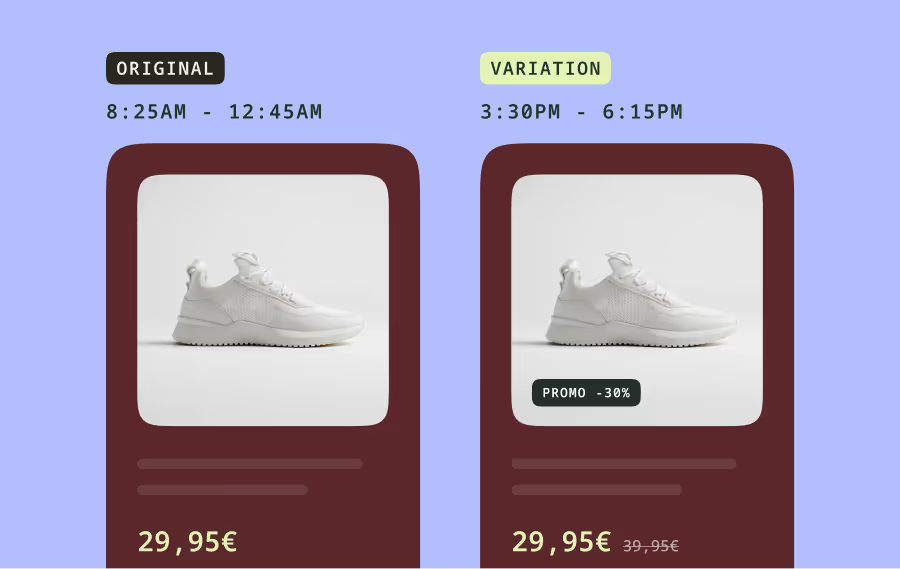
PBX is a chat interface that ideates, generates, configures, and ships (via MCP server) scoped front-end A/B test variants inside running websites, inheriting their CSS, JS, tokens, and components. It can work alongside you to simulate variants, run QA checks, and launch variants to real traffic within minutes of prompting.
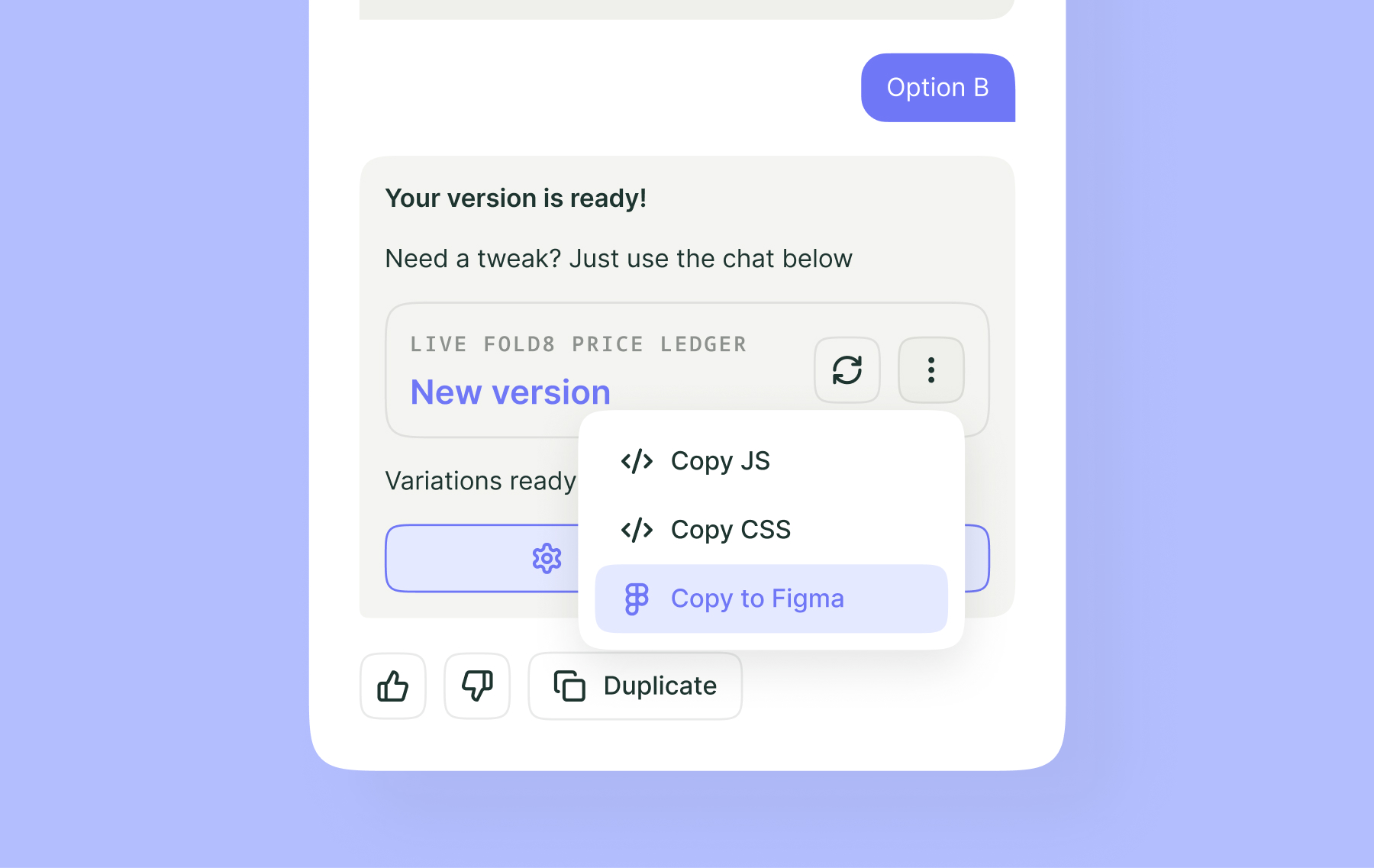
It also shares the code it builds, so you can review and QA changes before they launch and merge code for winning variations.
PBX cannot modify backend logic; any change that involves servers, permissions, or business rules should be covered by feature flags or normal releases. In these cases, PBX covers the front-end logic of the feature, freeing you up to focus on the backend. .
For example, if you’re building a feature that summarizes product reviews on an e-commerce site, you can code the backend logic yourself, then hand it off to PBX to quickly generate the front-end summary display.
How PBX improves developer workflows
When developers, marketers, and UX teams have access to PBX, developer workflows improve. PBX enables developers to:
- Cut low value tickets. Non-technical teams can use PBX to handle copy, layout, and simple visual changes, reducing developer backlog.
- Get robust code. PBX variants reuse existing tokens and components, speeding up approvals by giving variants that can be exported, committed, or folded.
- Ship faster. Run tests on real traffic with existing audiences and KPIs, allowing you to ship winning variations in the same platform.
Here’s a quick guide developers can use to prompt with PBX:
- Specify the what, where, and how; include the core action, exact target element, and desired outcome. Don’t assume PBX knows your goal if you haven’t stated it.
- (Optional) Use stable identifiers (aria-labels, visible text, selectors) to name target elements.
- Add constraints to tell PBX what not to change, including technical limitations and responsive requirements.
- Keep one simple, specific intention per prompt; no vague language, no jargon, and no mixing goals and constraints
- Use examples, templates, and/or imported files when you have a design you want PBX to match.
- Iterate if the first result is not quite what you want, and create new variations for different ideas.
- Verify the output in Simulation Mode and compare to pass-or-fail checks before exposing a variant to live traffic.
Fast prompts to try today
Remember to keep each prompt to a single intention, naming the target element clearly.
1. Replace color selection with a dropdown
Replace the existing color selection interface with a single dropdown menu displaying all available colors with names and swatches.
Display all colors in the dropdown along with their respective names and color swatches. If colors belong to two categories (for example, Essential Colors and Limited Edition), show a clear distinction between categories. Dropdown must be interactive, accessible, and consistent in styling with the site.
When a user selects a color, ensure it updates the selection correctly and triggers any necessary page refresh to reflect the change.
Do not add multiple dropdowns; replace the existing interface. Placement and size of dropdown is defined by the static mockup or sketch. Must be responsive and work across desktop, tablet, and mobile. Interaction should not interfere with other page elements or existing functionality. Manage the dynamic specifics of the webpage so that no additional dropdown is added when selecting a color. Impact on performance should not occur.
2. Add review summaries for an e-commerce site
Use the endpoint [https://myendpoint.mycompany.com/reviews] to retrieve a summary of all reviews and position that summary between the "CUSTOMER REVIEWS" and "Write a review" text that summarizes all reviews for the product.
Add a header called “What Customers Are Saying" and ensure the summary is no longer than four sentences. Sentence one should be an overview. If there are more positive reviews than negative, sentences two and three should include things customers liked; if there are more negative reviews than positive, sentences two and three should include things customers did not like. Sentence four should have either a positive or a negative item, the opposite of the sentence before it.
Do not change the size of the "CUSTOMER REVIEWS" box and do not change the font.
PBX lives in the same platform as flags, targeting, and reporting. Developers can test, read outcomes, and roll out winners without switching tools. This reduces context switching and keeps approval paths clear. If results dip or logs spike, you can run immediate rollbacks to disable variants.
What to measure for ROI
- Fewer UI tickets in the backlog
- Shorter median time to close tickets
- Higher deployment frequency (as small experiments don’t need to wait for full releases)
- Lower change failure rate (from Simulation Mode, guardrails, and instant rollbacks)
How to get started with PBX
Sign up for a free trial of PBX from our plans page and enable it in a staging or demo environment. Use your free credits to ship one or two trivial changes on day one. Document your prompt structure, acceptance checks, and rollback steps and, after a week has passed, export and merge the winning variant.
The end result is fewer distractions for engineers, faster signals for partners, and safer releases for users.