Kameleoon’s improved Widget Studio for no-code building

Fred De Todaro
Published on
December 4, 2025
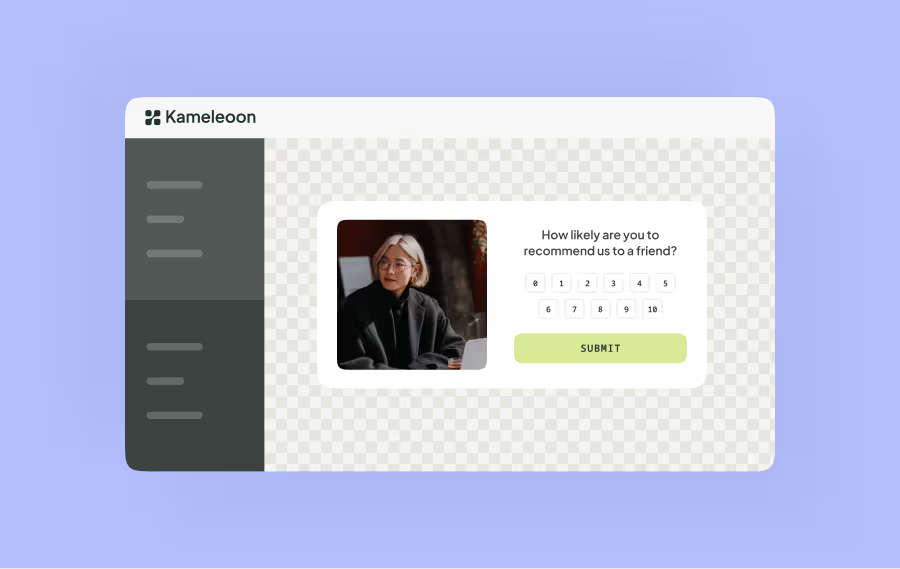
No-code design is an important part of accessible experimentation. Being able to build on-brand, high-converting widgets without needing to involve developers means faster, more efficient launches that collect clean feedback from real users.
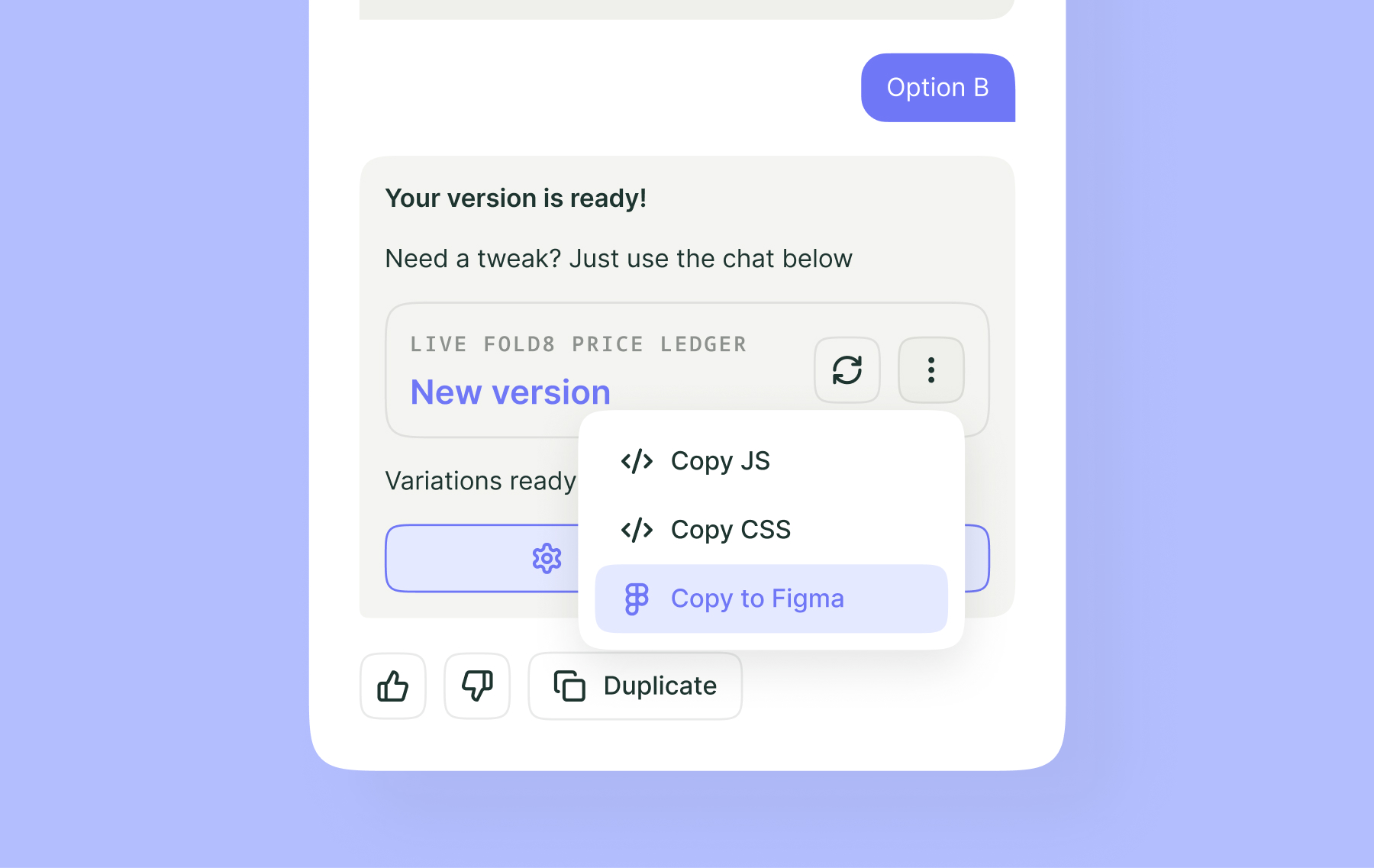
To support non-technical teams building these elements, we’ve improved our Widget Studio to make it easier for all teams to create feedback widgets.
What’s new in Widget Studio
- Six drop-in survey elements with levels and inputs in a single block:
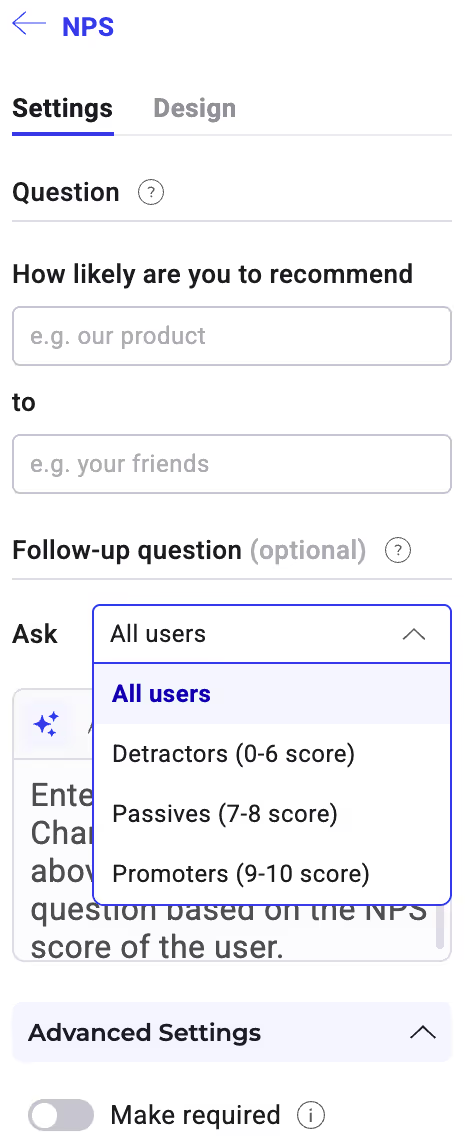
- Short answer, long answer, multiple choice, scaling answer, a redesigned button, and NPS (net promoter score)
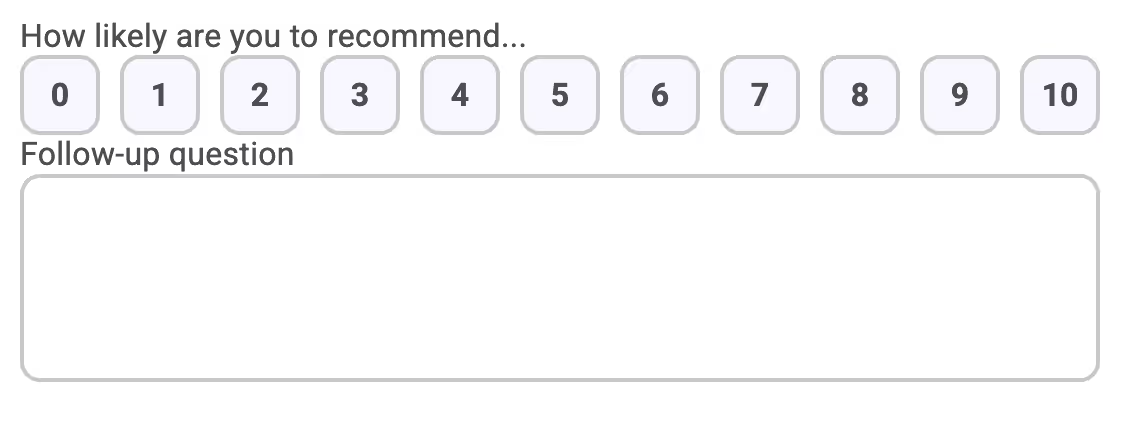
- Each element includes labels and inputs for easier editing, and includes validation rules and positioning
- Font control, including Google and Adobe fonts (with snippet) and preview options
- Data capture via CSV export or HTTP request, including logic
- For example, “enable submit only when email is valid”
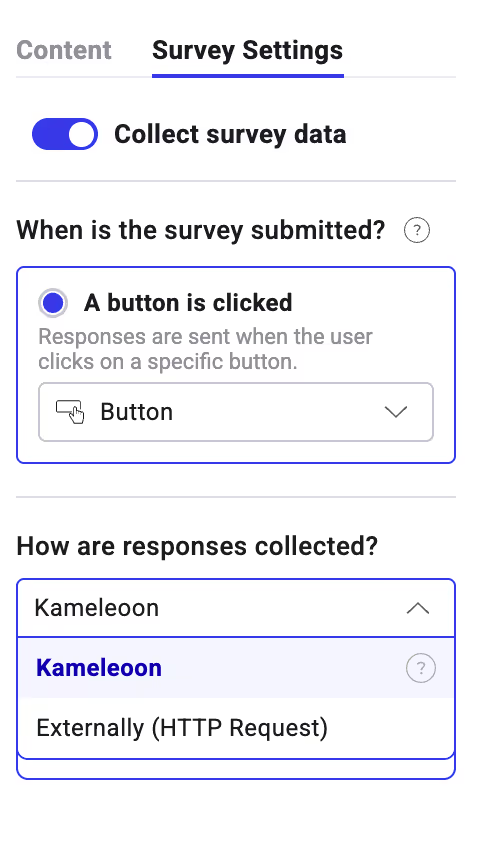
- Multilingual options, including translations, multiple languages, and AI auto-translations with previews for validating
- Entrance and exit animations for a smoother user experience
Want to see the improved Widget Studio in action? Check out our Feature in Focus video and experience a better way to collect customer feedback with Kameleoon.
.jpg)

before ai
